HOW PATIENTNOTES WORKS

Accelerate your clinical documentation process

With these great PatientNotes product features you can use AI to
draft the right notes for the right purpose at the right time

SESSION RECORDINGS

Any session type, any language, anywhere you practice

Record your session wherever you need to:

  • In the clinic, for up to 3 hours
  • On your phone via the iOS app
  • During telehealth sessions
  • In the gym (yes, it's noisy - but that's OK)
  • On the road - capture your clinical observations as you travel
  • Home visits
  • Catch-up on your backlog, even if you haven't recorded the session
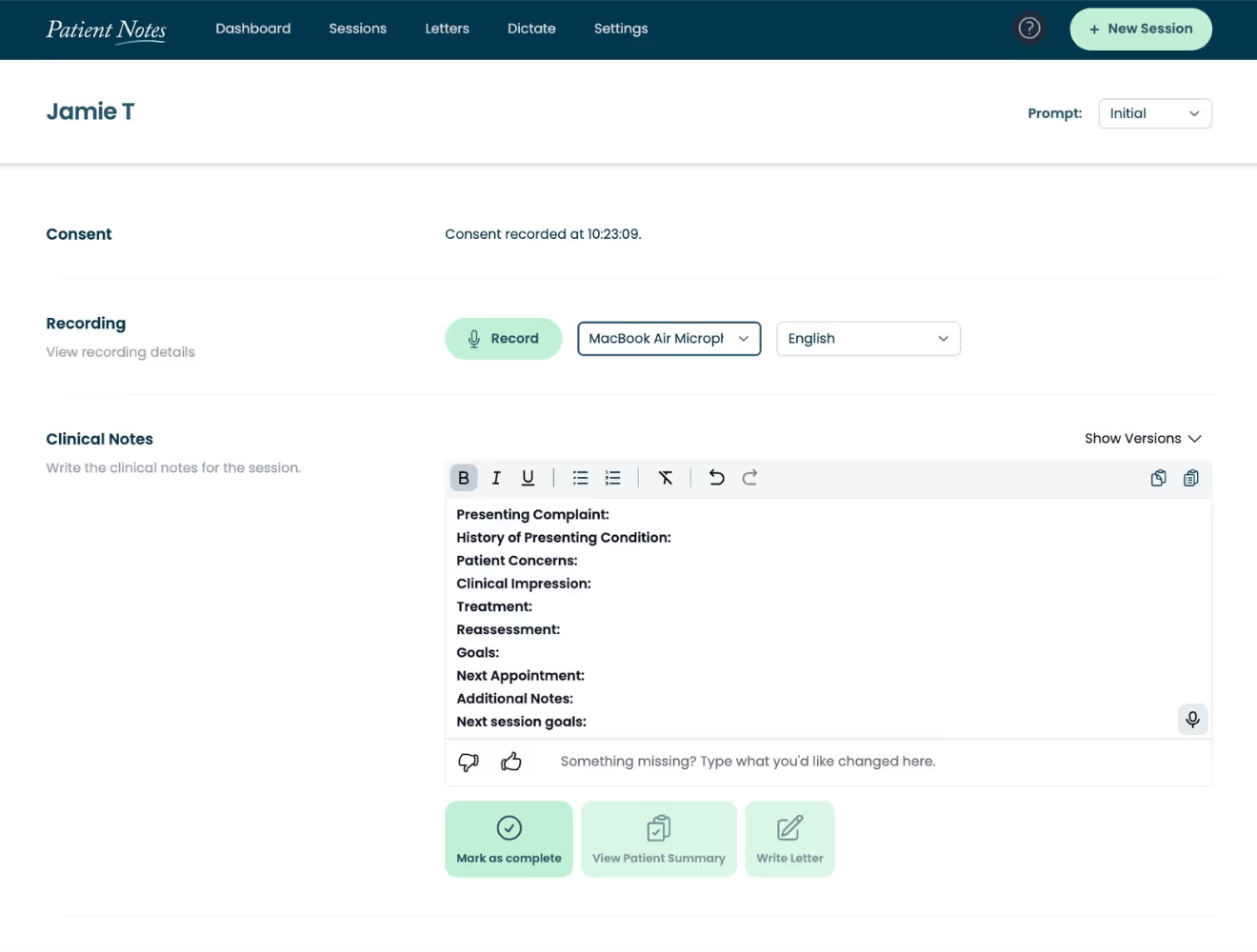
A screen with a red button that says "Recordings" on it.
A screenshot of a webpage with a green background.
CLINICAL NOTES

Your clinical notes,
written your way

Every output personalized, from day 1 to 1001:

  • Prompt Templates designed with you, for you
  • Notes instantly created when the session ends
  • Snippets for frequently used content
  • Verbally add your clinical observations
  • Dictate Pro
  • Development support for new clinicians
  • Unlimited notes on every plan
  • Multiple versions based on your feedback
LETTERS & Reports

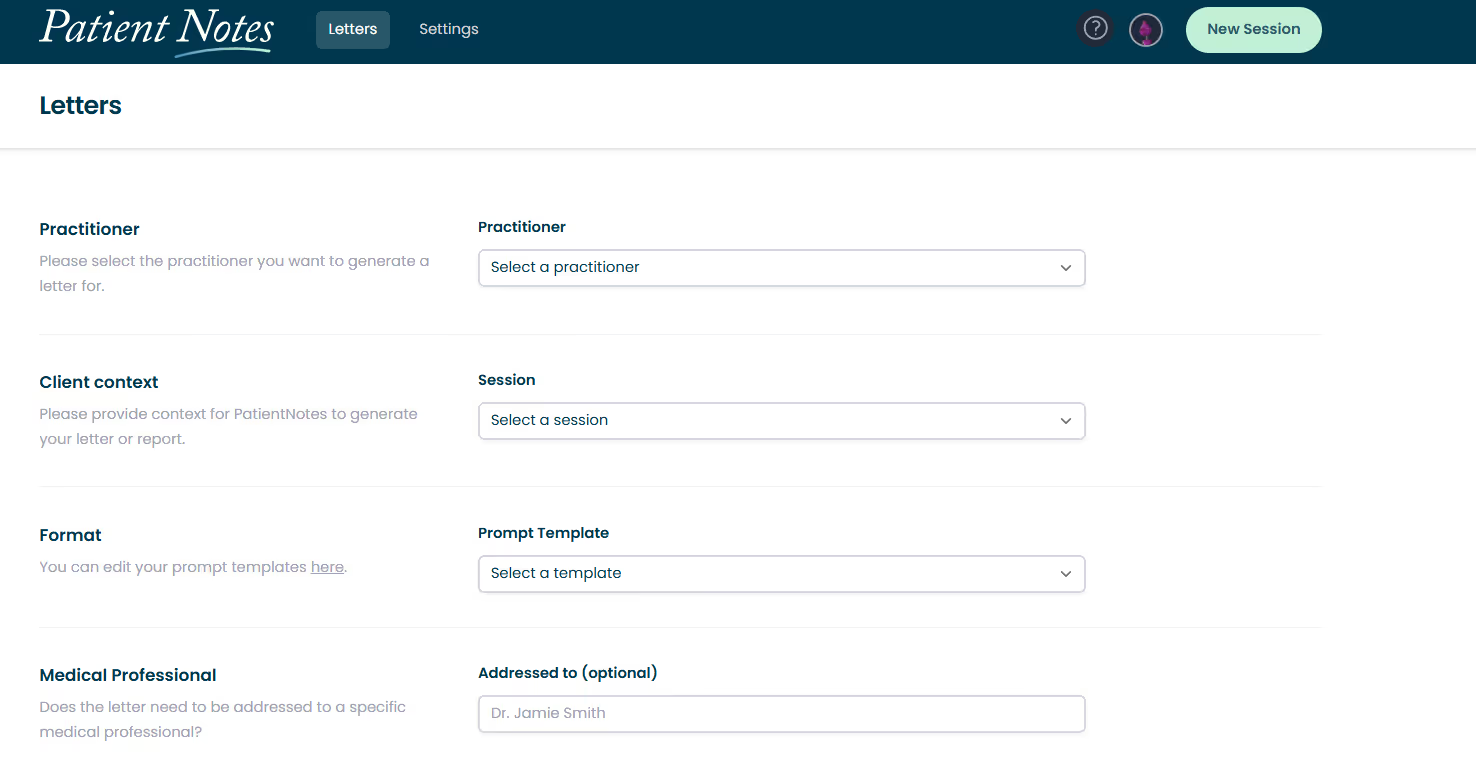
Accurate medical letters delivered faster than you can type

Remix your clinical notes and generate your other clinical documentation:

  • Like your own personal typist (who is also telepathic and knows your notes)
  • Streaming letters straight away
  • Edit the draft rather than typing from scratch
  • Go home on time at the end of the day
  • Add additional context - up to 20,000 characters
A screenshot of a website of a letter to a doctor.
FEATURES FOR CLINICS AND LARGER ORGANISATIONS

Special features on the Organization Plan

With these great PatientNotes product features you can use AI to
draft the right notes for the right purpose at the right time

For teams

Designed for organisations of all shapes and sizes

The PatientNotes Clinic Plan offers a range of features to help you get started and help your team get going.

A green circle with a question mark in it.

Support provided by the PatientNotes team to help your staff succeed

A green circle with a lock on it.

Assistant feature for typists, receptionists and more

A green circle with a question mark in it.

Dictate Pro tool

A green heart on a notepad and a pencil.

Complimentary webinar created for your practice upon request

Role-based aCCESS CONTROLS

Extra user permissions system for control over roles and access

A screen shot of a computer screen with a blue background.

Assistant role

Generate Letters and Reports for team members

Supports practice assistants and administrative staff in composing letters and reports. By delegating these tasks, clinicians can reduce their administrative burden.
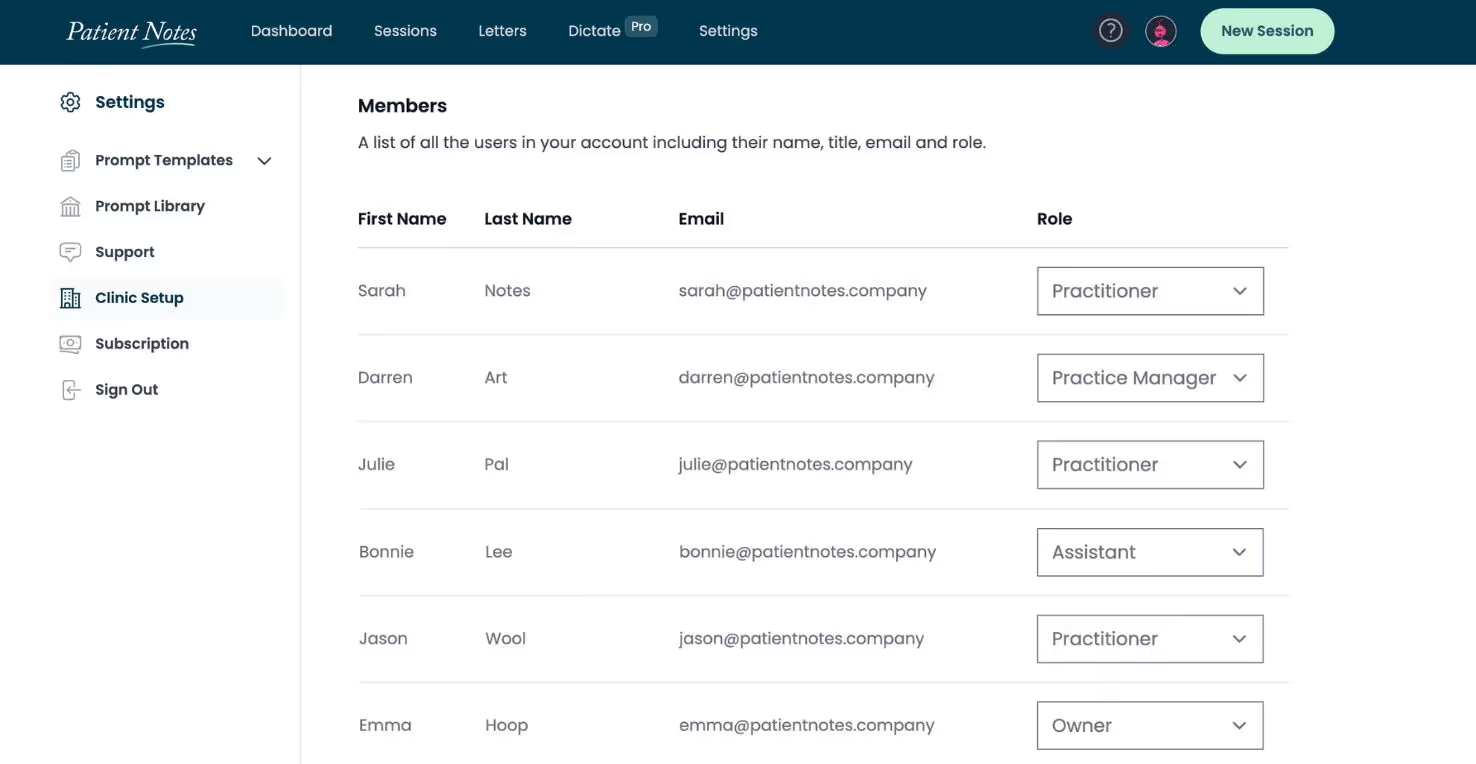
A list of people with their names and email addresses.

Practice Manager

User Management, Organization Settings and Integrations

Add and manage practitioners, full administrative rights, create and edit clinical notes, generate letters and reports, no access to billing features.
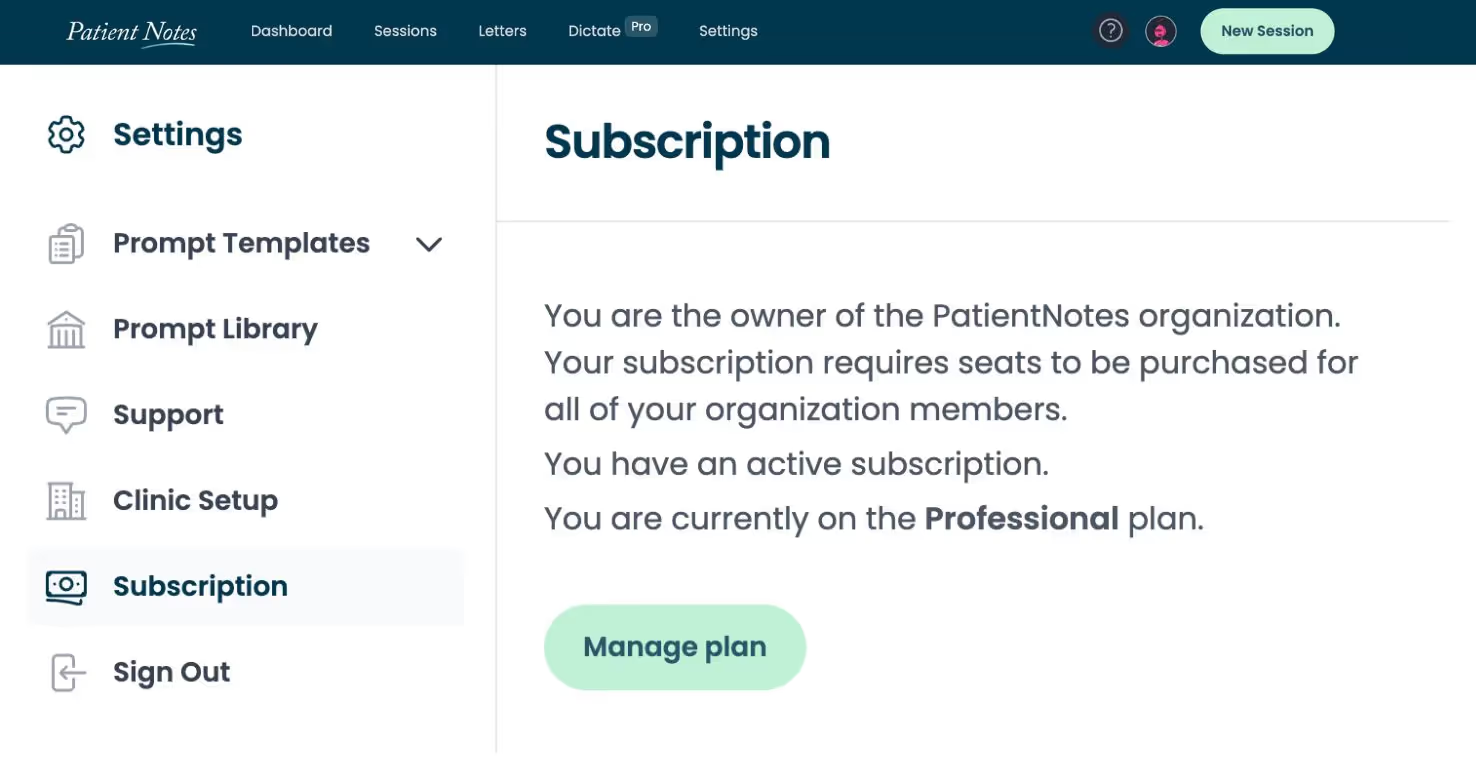
A screen shot of a website that shows a subscription page.

Owner role

All features enabled

View and manage all billing-related features, add and manage practitioners, full administrative rights, create and edit clinical notes, generate letters and reports, no feature restrictions.

Product Snapshot

Key Features

Seamlessly integrates with existing practice management systems, ensuring efficient transfer of notes to electronic health record (EHR) systems and reducing the risk of data loss.

A green circle with a person and blue checkmark in it.

Patient consent

Documented opt-in process for informed consent from patients, ensuring they are included.

A green circle with a person and a piece of paper.

Instant patient action-plans

Friendly summaries sent to the patient immediately to increase compliance.

A green circle with a lock on it.

Encryption best practice

Our engineers are laser-focused on ensuring meeting best-practice standards for data encryption.

A green circle with a shield and a trash can.

Data security and deletion

Data deleted after 30 days and all data at rest is encrypted using AES-256.

A green circle with a credit card icon in it.

Free trial

14 days to see the benefits, including amount of time saved through improved workflow.

A cell phone and a tablet are shown in a circle.

Mobile-friendly

PatientNotes has a dedicated iOS app for iPhones and iPads. As a web-based app, users can access from smartphones, laptops, desktops, tablets, and more.

A cartoon of two eyes with stars around them.

Safe and secure for your peace of mind

At PatientNotes robust security measures create the strong immune system we know is vital to your patient's healthcare data. We know medical information is sensitive, and we’ve fortified PatientNotes with cutting-edge security measures to safeguard your clinical consults and notes.

A logo for HIPAA Compliant.
A blue circle with stars and the word GDPR Compliance.
A blue and white logo for Australian Privacy Principles.

Ready to get started? Create an account today